How to Use AgroQR.in
Simple 5-Step Process from Registration to Printing

Step 1: Register Your Company
- Go to agroqr.in/register
- Fill in your basic details:
- Company Name
- Mobile Number
- Email ID
- Click "Sign Up Now" to create your account
- Already registered? Just Login

Step 2: Select Your Crop
- After login:
- Go to “My QR” or “Dashboard”
- Choose the crop for which you want to generate a QR
- Example crops: Mustard, Tomato, Muskmelon, Spinach, Green Peas, etc.
- Preview the POP (Package of Practices) content for that crop

Step 3: Make Payment
- Pay ₹1500 one-time for each crop QR
- Annual maintenance: ₹500/year (optional, but recommended)
- Payment via secure gateway (UPI, Card, Net Banking)
- Invoice will be available under your account
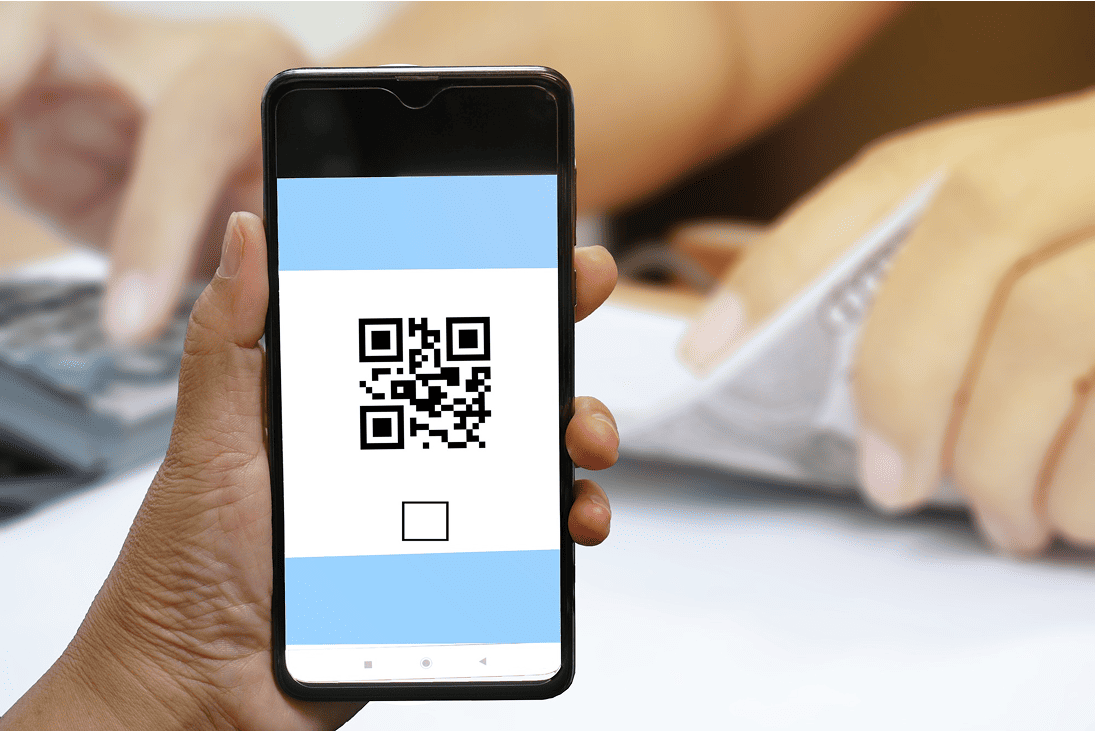
Step 4: Download Your QR Code
- After successful payment, the system will generate your unique QR code
- Click “Download QR” (formats: PNG & PDF)
- It will link to a government-compliant POP page — multilingual (EN, HI, GU, MR, TE)

Step 5: Print the QR on Your Seed Pack
- Place the QR on seed packaging (mandatory for pouches above 100g)
- Position: Preferably top-right or center
- Make sure the QR is clearly visible and scannable
- You can also print it on:
- Product labels
- Outer cartons
- Brochures or flyers
